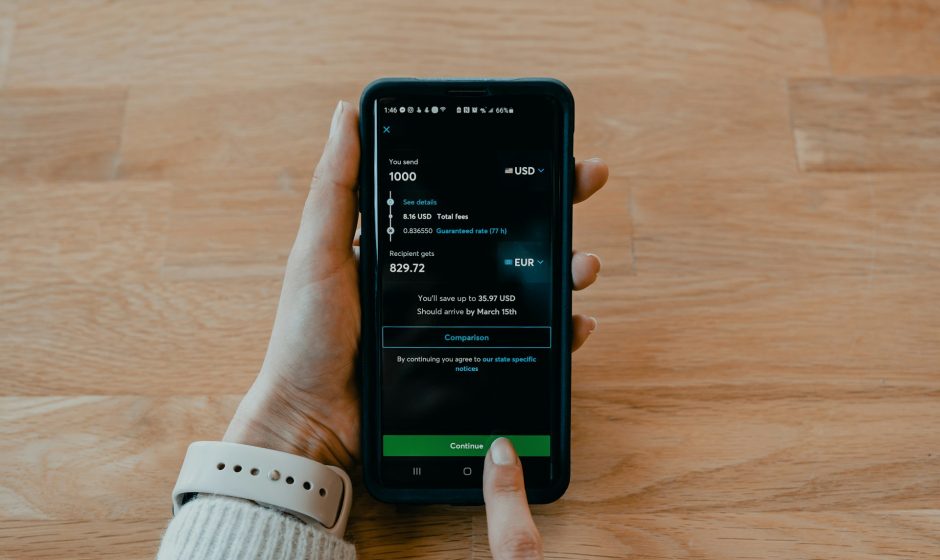

If by “money scam alert” you mean warnings about fraudulent calls, texts, banking scams, and online payment scams, there are several ways to get alerts on your phone:
- Enable spam and scam protection
- On Android, open the Phone app → Settings → Caller ID & Spam → turn on spam protection.
- On iPhone, go to Settings → Phone → Silence Unknown Callers (this won’t identify scams but can reduce unwanted calls).
- Use your bank’s fraud alerts
- Most banks let you enable SMS, email, or app notifications for transactions and suspicious activity.
- Check your bank’s mobile app settings for security or fraud alerts.
- Install a scam-blocking app
- Apps such as Truecaller can identify many spam and scam callers.
- Some mobile carriers also offer scam-call protection services.
- Government and consumer protection alerts
- In India, you can follow updates from Indian Cyber Crime Coordination Centre and Telecom Regulatory Authority of India about common scams.
- Many countries also have consumer protection agencies that publish scam warnings.
- Turn on emergency and safety notifications
- Android: Settings → Safety & Emergency or Notifications settings.
- iPhone: Settings → Notifications → Government Alerts (availability varies by region).